
Launch
Introducing custom HubSpot mappings
How can you use the new HubSpot integration?
- Quote straight from a deal: Reps create quotes from a HubSpot deal with the customer and deal already linked, and the signed version becomes the deal's primary quote automatically
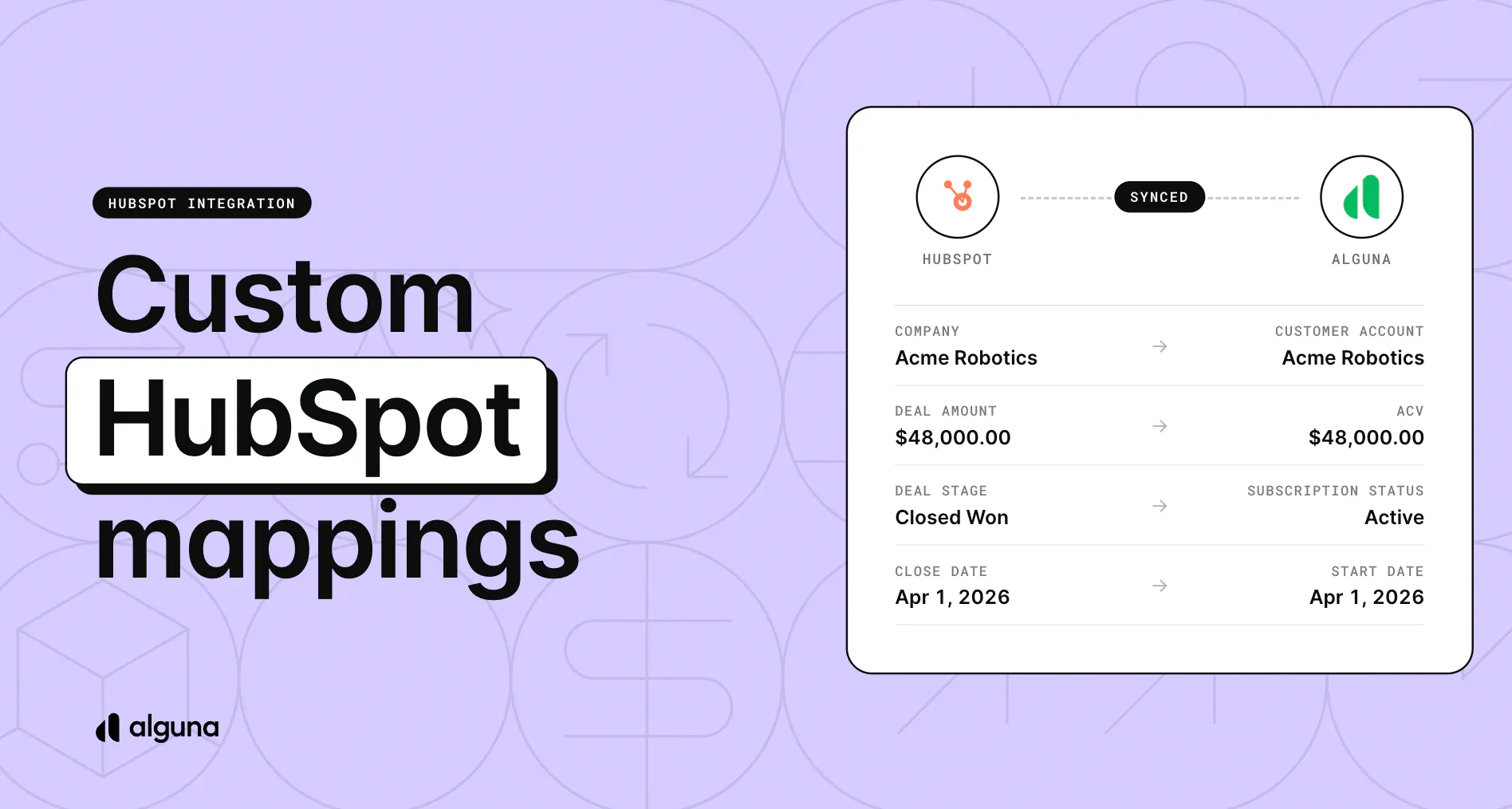
- Map data to your properties: Choose which HubSpot property each piece of Alguna data fills, such as ARR on a deal or contract dates for renewal workflows
- Automate deal admin: Ready-made automation templates handle tasks like closing a deal as won when the quote is signed or opening a renewal deal ahead of renewal
⚙️ Billing in context: Quote and subscription cards on HubSpot records show contract dates, status, and revenue.
💰 The goal: CRM reports that match what you invoice, with no chasing reps for the latest quote or re-entering contract dates.
Learn more on our blog: https://blog.alguna.com/hubspot-integration-updates/
How to access it? Log into your account and head to Settings > Connections > Integrations > CRM. Set up your mappings in the Field mappings tab and your automations in the Automations tab.