
LaunchFinance
Multiple billing entities
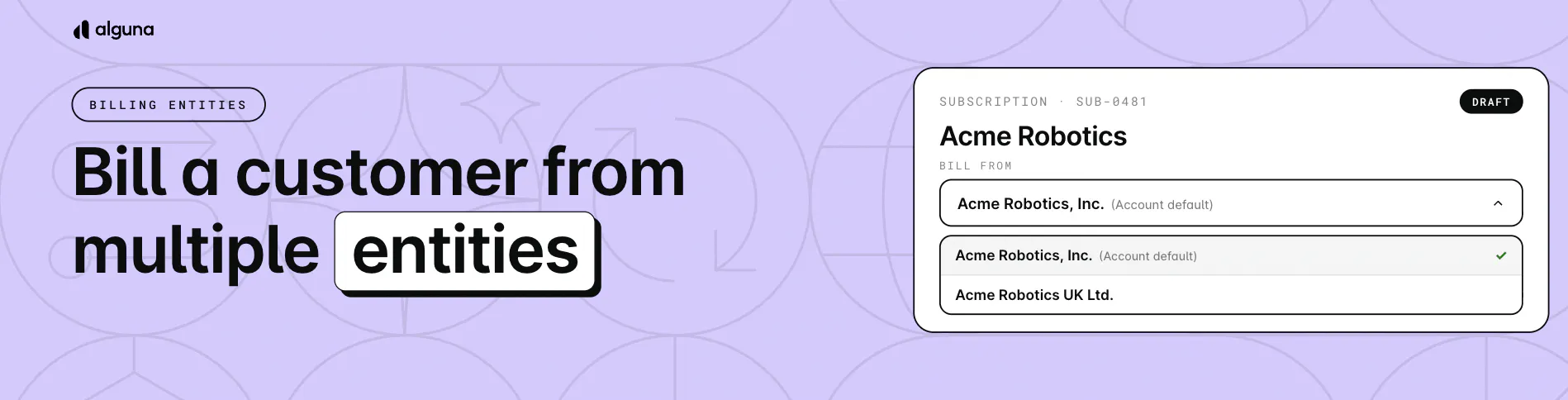
How can you use multiple billing entities?
- One customer, one record: Keep subscriptions, invoices, payments, and contacts together, even when several companies in your group bill the same customer
- Right entity, right tax: Each invoice follows the tax rules and invoice settings of the entity that issues it
- Nothing changes by default: Subscriptions keep billing from the customer's usual entity until you choose another
How to access it? In the subscription builder, go to Invoice > Issuing Legal Entity. For existing subscriptions, open the subscription and go to Invoicing Settings > Invoice > Issuing Legal Entity.