
LaunchFinance
Revenue recognition module
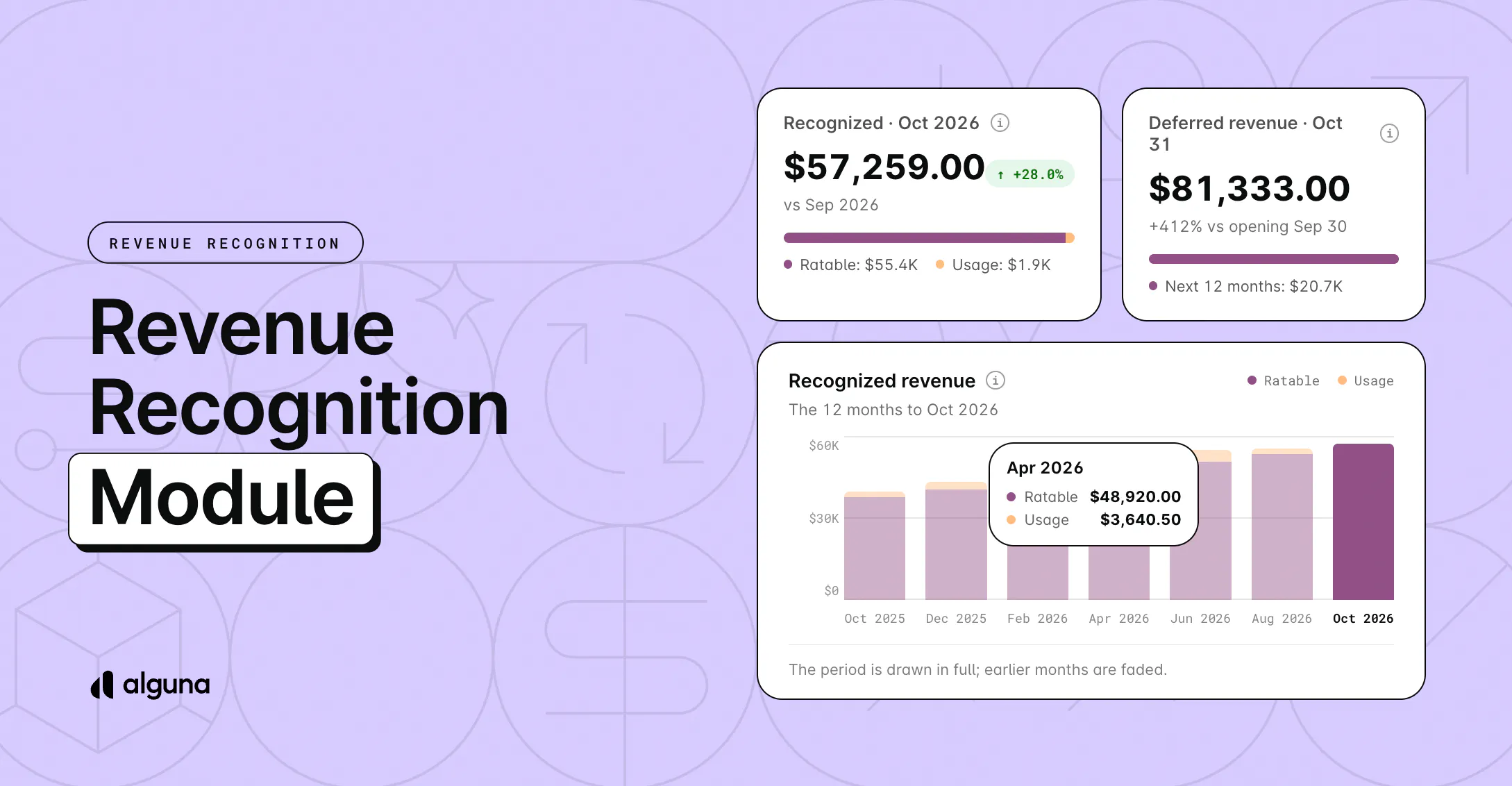
- Schedules that keep pace with your pricing: Every subscription gets its own ASC 606 and IFRS 15 revenue schedule that updates whenever upgrades, cancellations, or credit notes change the contract.
- Know where every dollar stands: See deferred, recognized, and unbilled revenue on each schedule, plus a remaining performance obligations (RPO) report for contracted revenue you haven't recognized yet.
- Close the month in a few clicks: Closed months lock, so late changes can't alter what you reported, and we draft the journal entry for you to post to NetSuite, QuickBooks, Xero, or Light.
- Give auditors the full story: Every close, journal entry, and adjustment records who made it, when, and what changed, so any number traces back to its source.
- Run it across entities and currencies: Schedules, closes, and journal entries work per legal entity, with revenue reported in any currency at the exchange rates you set.
How to access it? Log in to your account and head to Revenue Recognition > Overview to see where your month stands. Before your first close, check the revenue rule on each product page, then reach out and we'll turn on period close for your account. Read the full guide in our docs.
Not on your plan yet? Reach out and we'll get you started.