
Launch
Slack integration
How can you use the Slack integration?
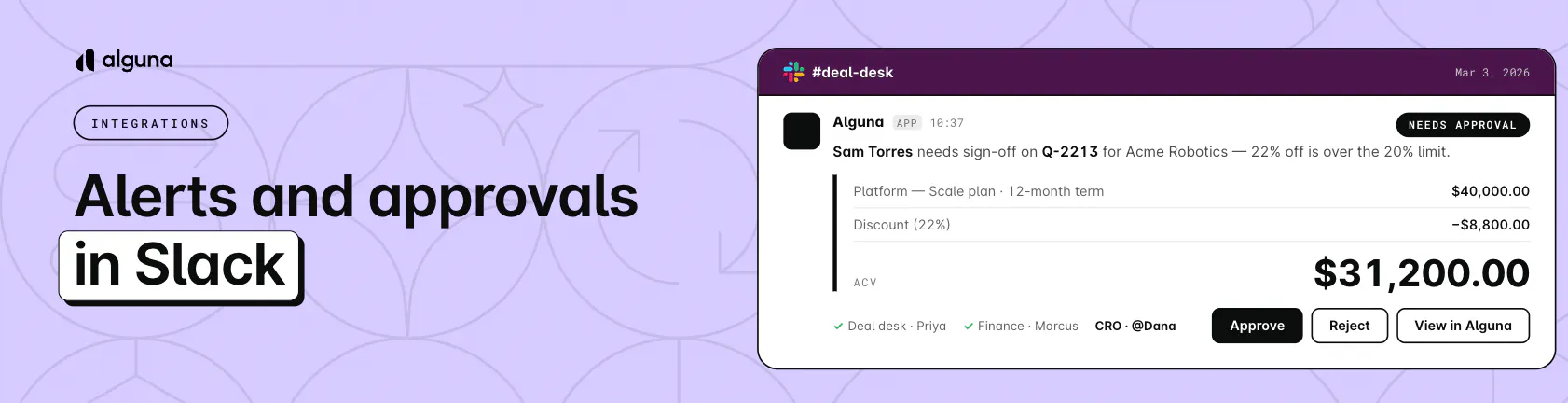
- Approve from Slack: Approvers get a direct message with the deal details and can approve or reject it right there
- Spot problems early: Failed payments, cancellations, and subscription changes show up where your team already talks
- Catch renewals and upsells: Give customer success a heads-up on upcoming renewals and customers hitting overages
- Route alerts by team: Send payments to #finance and cancellations to #customer-success
How to access it? Log into your account and connect Slack under Settings > Connections > Integrations, then set up approval messages under Settings > Workflows > Quotes > Approvals.