
Launch
Introducing Una AI
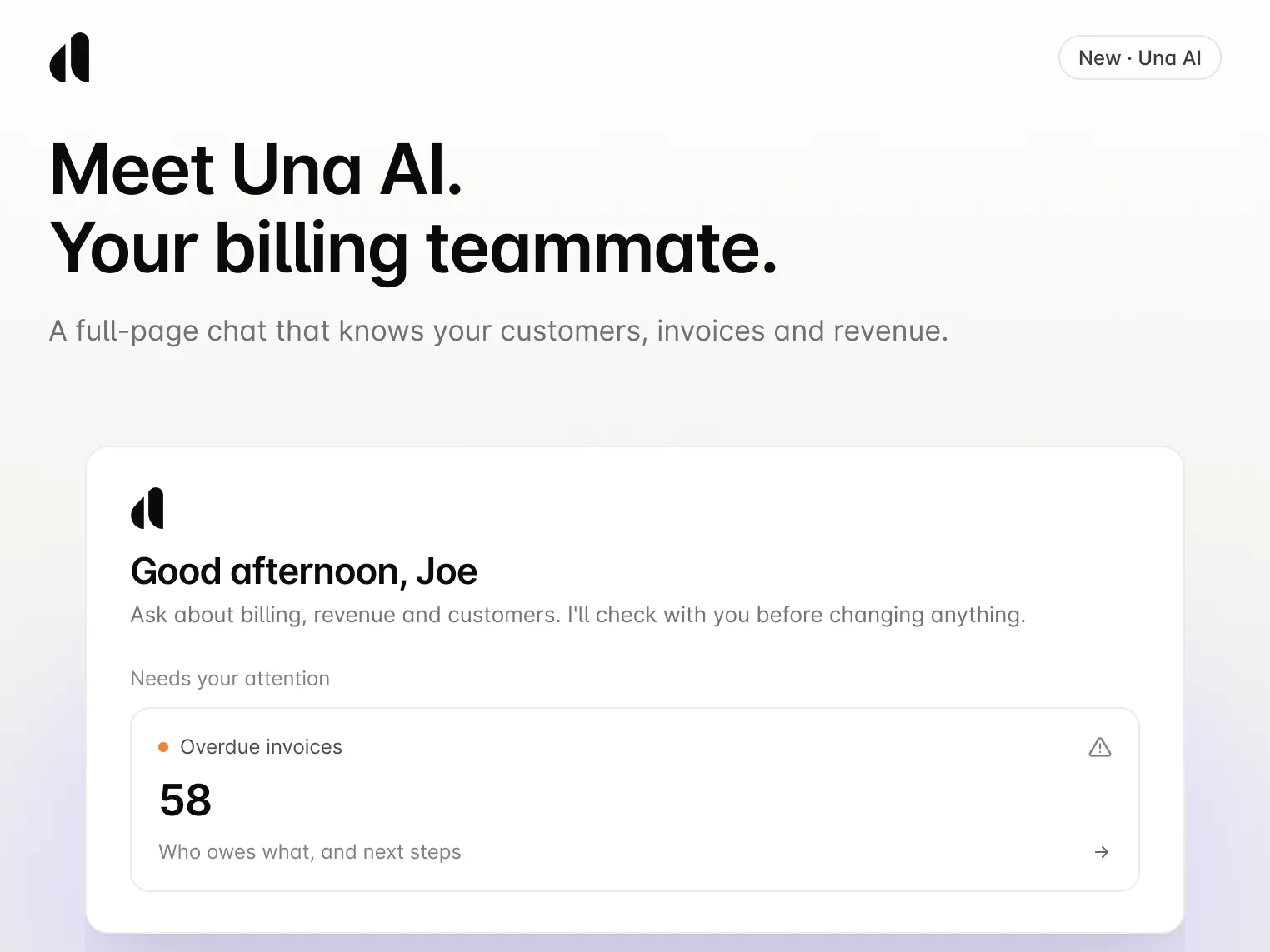
How can you use Una AI?
- “How did our active subscriptions change this quarter?” - Get today's numbers instead of last week's export, often as a table you can copy or download
- “Give me an overview of this customer before our renewal call.” - See their plan, spend, open invoices, and renewal date in one answer
- “Which invoices are more than 30 days overdue?” - See every late invoice, who owes it, and how late it is, then draft reminders and mark invoices paid once you approve
⚙️ You stay in control: Una AI works within your Alguna permissions, previews every change before it happens, and logs every action.
💰 The goal: Spend less time digging through reports and more time acting on your forecast, cash flow, and renewals while there's still time.
Learn more on our blog: https://blog.alguna.com/una-ai-announcement/
How to access it? Log into your account and click Ask Una AI at the top of any page, or choose Una AI in the main menu for a full-screen chat. To use it in Slack, head to Settings > Connections > Integrations and turn on Una AI.