
Launch
Introducing Revenue Assurance
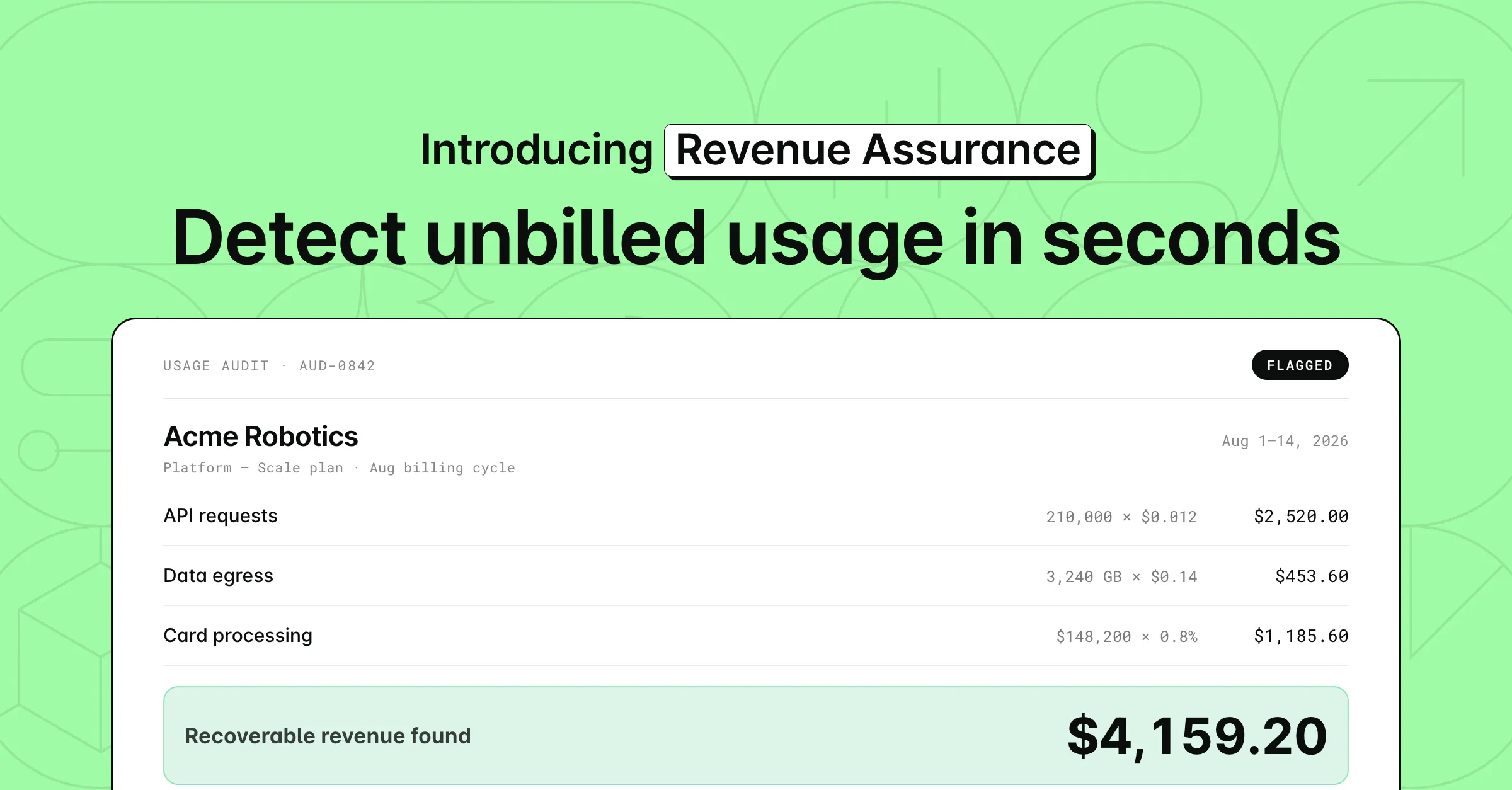
How can you use Revenue Assurance?
- Catch missing coverage: Find customers using metered products that none of their active subscriptions cover
- Catch expired coverage: Spot customers whose subscription lapsed while their usage kept flowing
- Build an upsell list: See each opportunity valued with the pricing you attach, per customer and in total, and export to CSV for the team that owns the fix
⚙️ Nothing to install: If you already meter usage in Alguna, just confirm your products have metrics attached.
💰 The goal: Capture the revenue hiding in plain sight. Beta customers found uncaptured usage worth up to 5% of ARR.
Learn more via our official documentation page: https://alguna.com/docs/revenue/assurance
How to access it? Log into your account, head to Revenue Assurance > New run, then choose your products and time period to start your first scan. To learn more, head over to our blog: https://blog.alguna.com/revenue-assurance-announcement/