

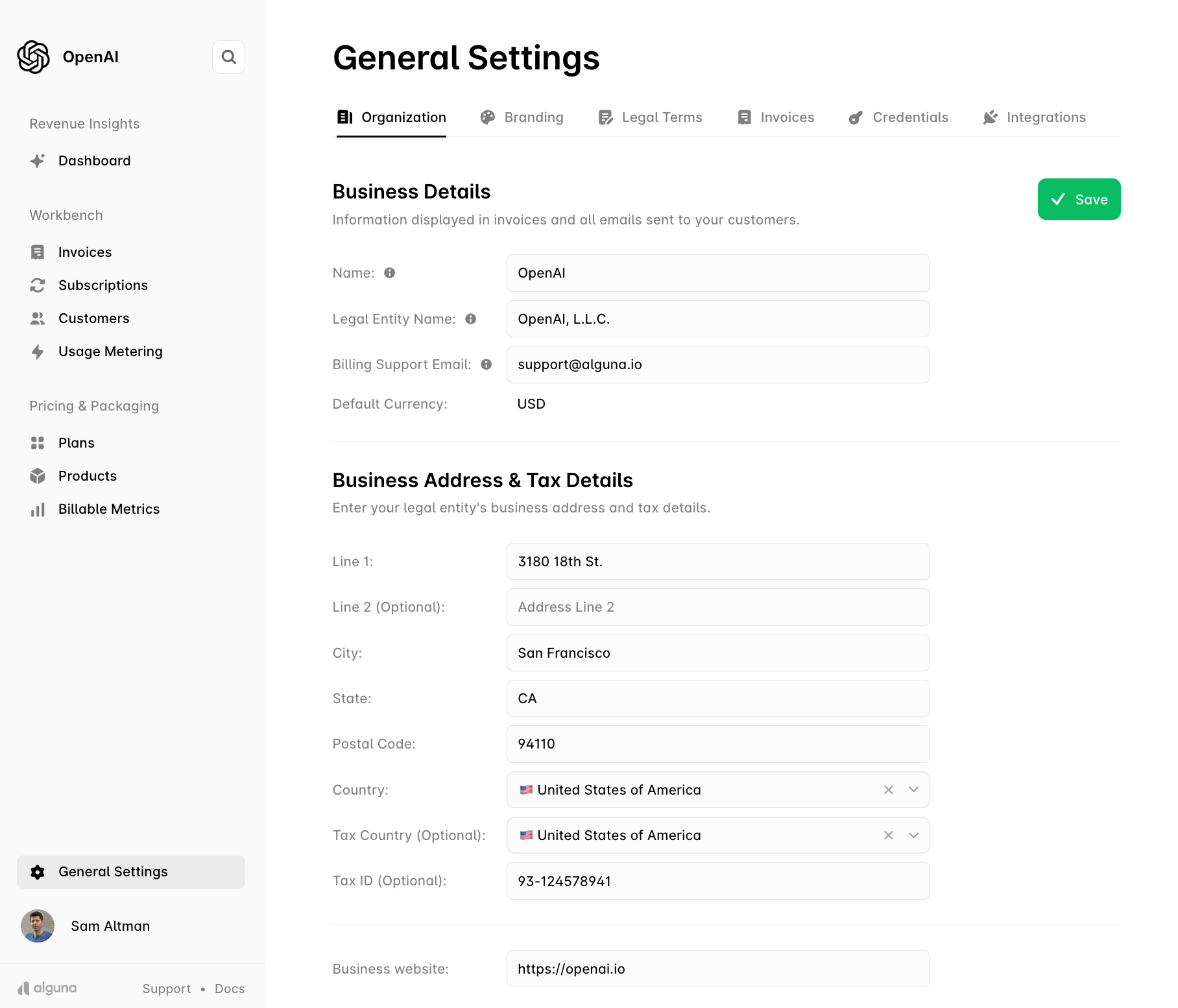
Business information
- The name your business operates under (trading name)
- The legal name of your business
- A billing support email for customer inquiries — the reply-to on customer emails
- The preferred currency for revenue tracking and insights. Customers are still billed in their own currency; see Currencies and Multi-currency
Billing and tax information
- Your business’s billing address, printed on invoices
- If applicable, your tax information — tax country and Tax ID / VAT number — used on invoices and by tax calculation
- Your business website, used as a default redirect where one is needed
Click Save to store your changes.
Next
- Branding — logo, colors and the brand slug used in hosted page URLs
- Currencies — the currencies available for customers and prices
- Developer quick start — API keys and your first request