

Which change is it?
While an amendment or renewal quote is open, the update refuses a change to the terms that quote prints (auto-renewal, renewal period, payment terms, additional terms and terms of service); edit them on the amendment instead. See Amendments.
A
draft subscription is different: nothing is live, so you can change anything freely, and delete it with DELETE /subscriptions/{id}.
Metadata edits via the API
PATCH /subscriptions/{id} patches only the fields you send. It never modifies the priced item set.
null value. A subscription.updated webhook fires on success.
Editing in the dashboard
1
Open the editor
On the Subscription Details page click Edit in the top-right corner.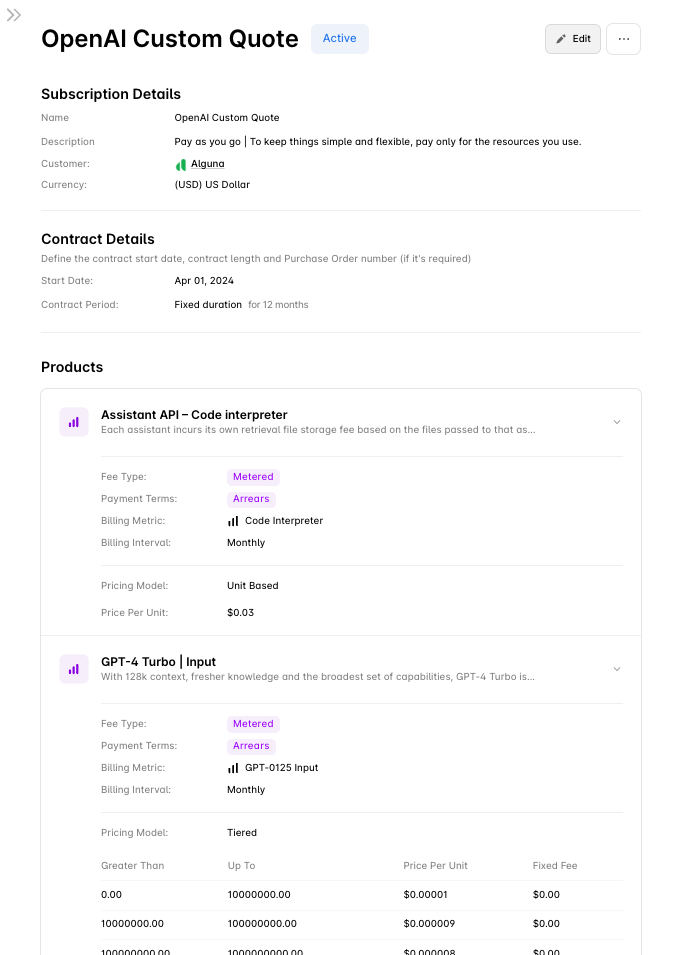
2
Add products
In the Products section click Add Product, search, tick the products you want, and click Add Product(s). Set a price for each new line.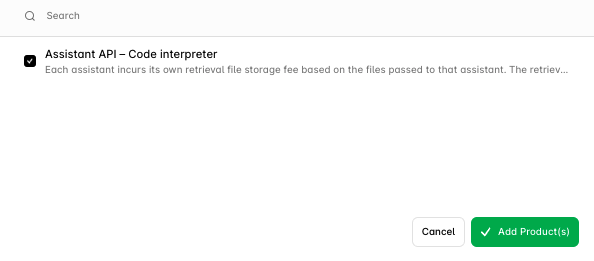
3
Remove products
Click the Delete icon on the line and confirm with Remove.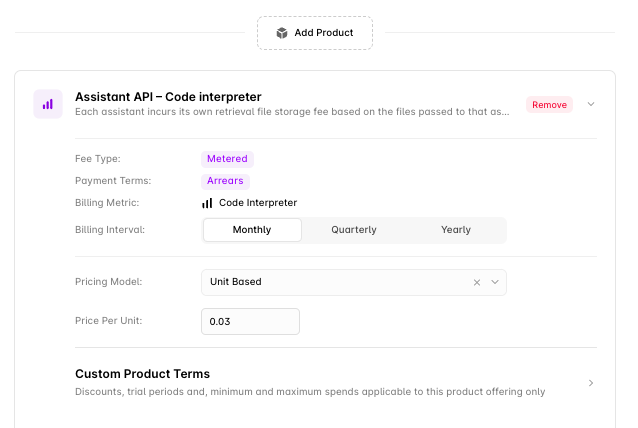
4
Change pricing
Adjust the amount, tiers or pricing model on any line. On an active subscription, pricing changes are collected into a new version rather than applied in place.
5
Choose when it takes effect
When you save changes to an active subscription you choose the version start:
- From start of a billing cycle — the change lands on a cycle boundary. Nothing is prorated. Best for metered products and scheduled changes.
- Mid-cycle — the change lands on the date you pick inside the current cycle and a prorated invoice is generated for the price difference. See Proration.
GET /subscriptions/{id}/billing-dates.6
Add a note and save
Add a note describing the change; it is stored on the version as its description and shows in the version history. Click Save Changes.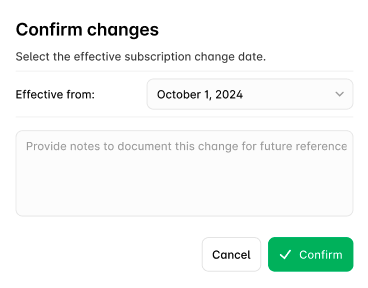
Next steps
Amendments
Add, remove and re-price products on an active subscription.
Versioning
How drafts, published versions and effective dates work.
Proration
What a mid-cycle change costs.
Updating a Subscription (API)
Request bodies for every kind of change.